The Complete Guide to Apple Watch Face Customization
Apple Watch customization has evolved far beyond the built-in faces Apple provides. With third-party apps like Clockology and a thriving community of face designers, you can transform your Apple Watch into something truly unique. This comprehensive guide covers everything you need to know.
Understanding Apple Watch Face Options
Out of the box, Apple offers dozens of watch faces ranging from simple analog designs to feature-rich digital layouts. These native faces are well-made but limited — you cannot create your own designs or replicate the look of luxury timepieces. That is where third-party solutions come in.
Clockology: The Gold Standard
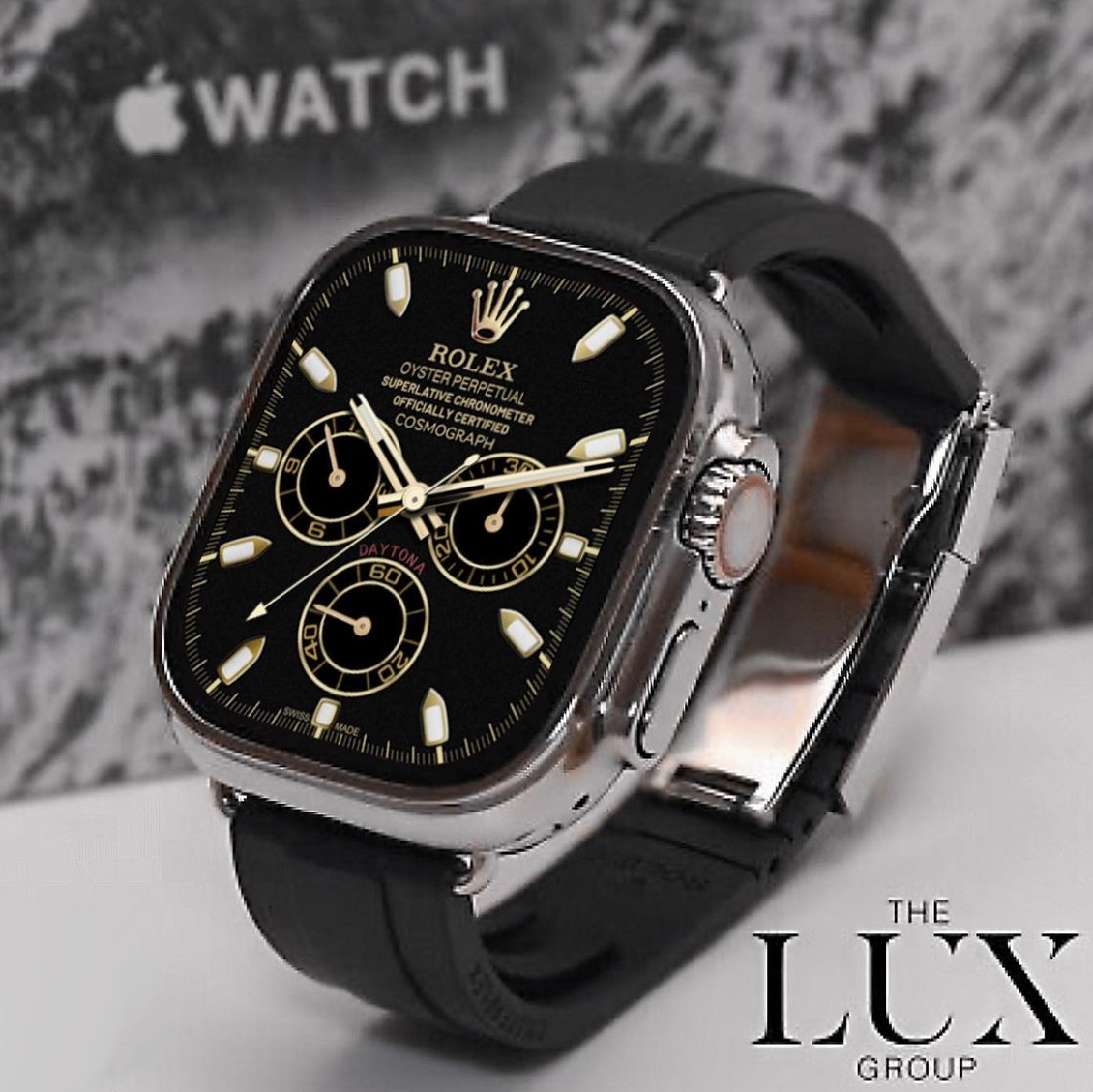
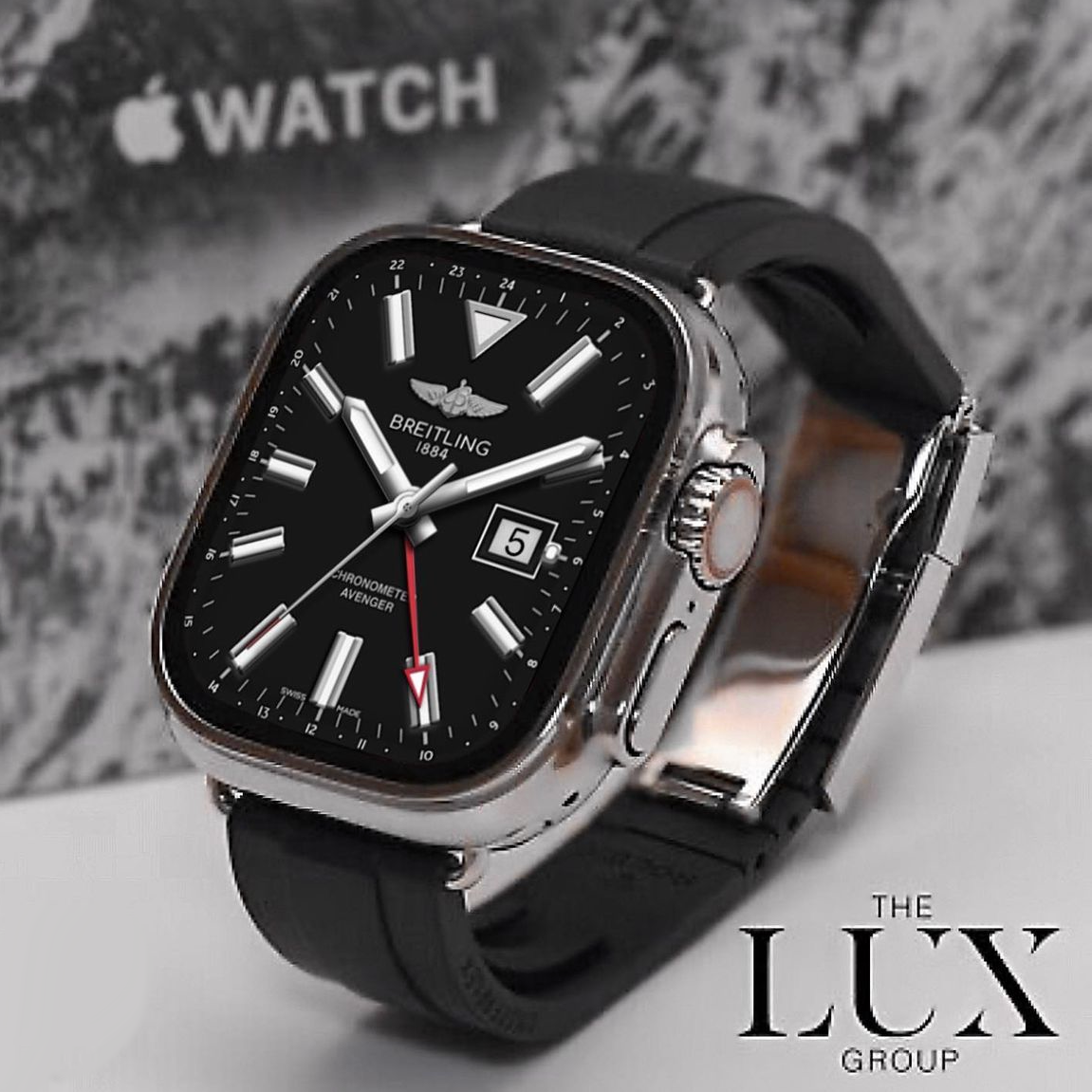
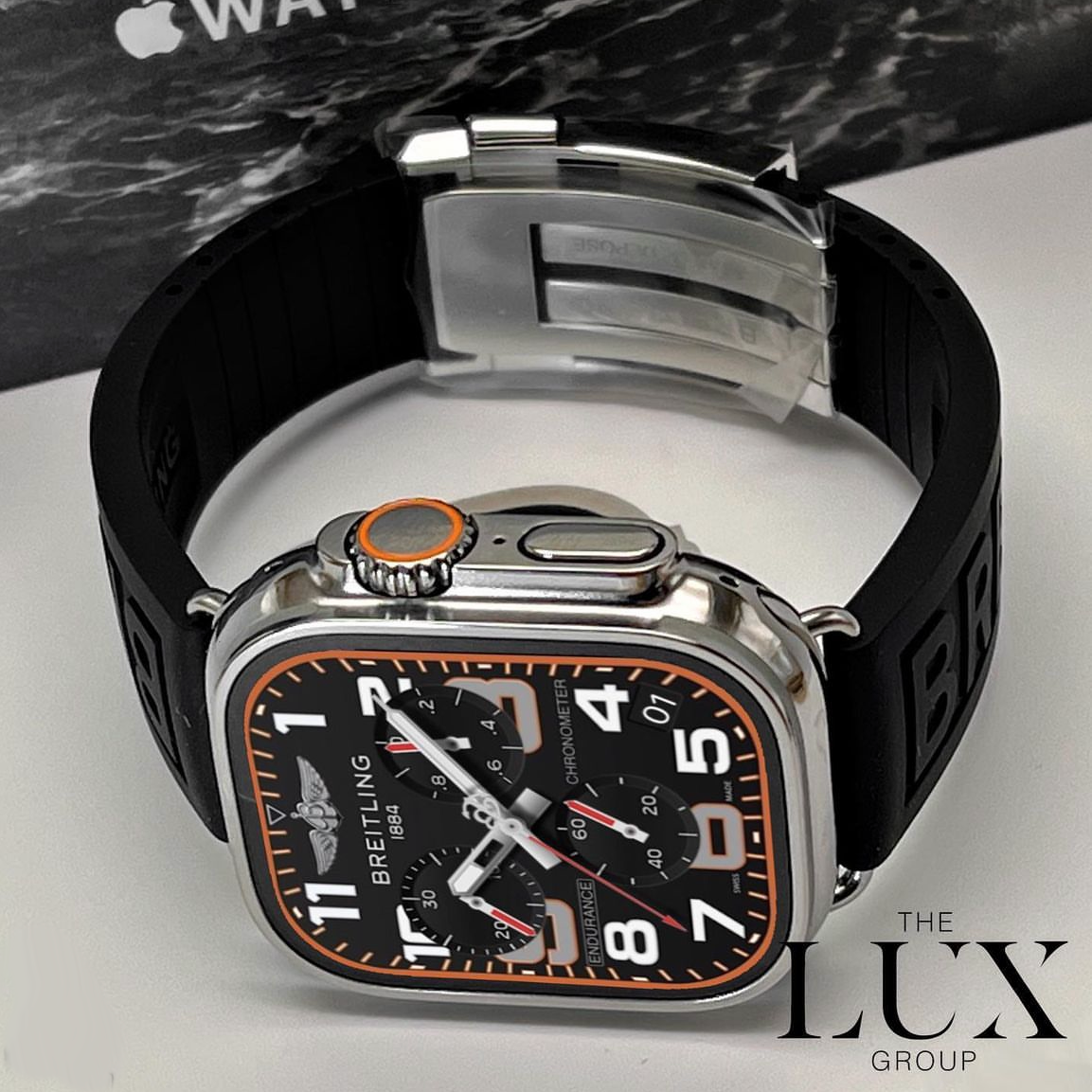
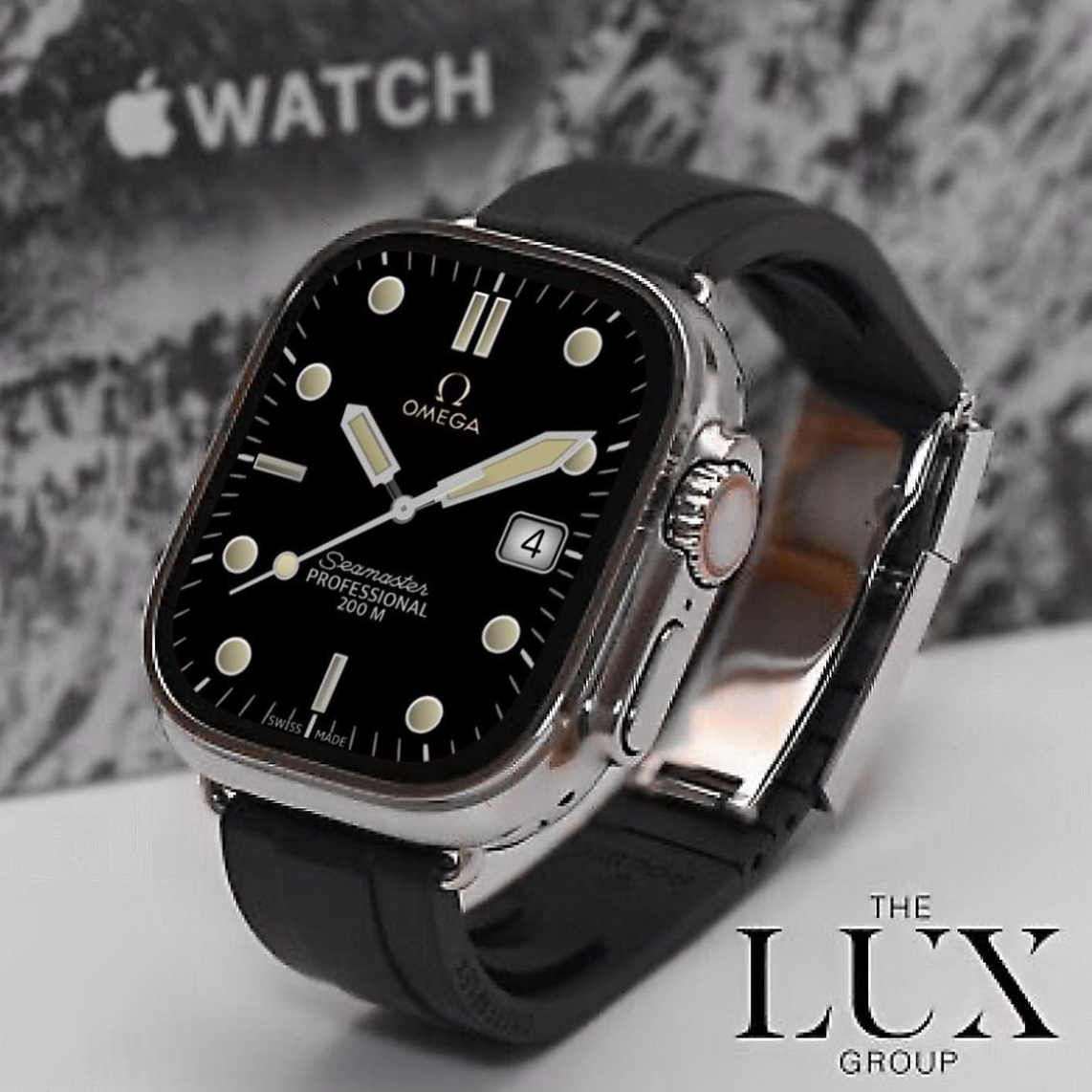
Clockology is the most popular app for custom Apple Watch faces. It is free to download and supports an incredible range of designs. The app works by running as an active application on your watch, displaying custom-designed clock faces that go far beyond what Apple natively allows. Key benefits include support for complications, animated elements, and pixel-perfect renditions of luxury watch dials.
Choosing the Right Face Size
Apple Watch comes in several sizes, and face designers typically create different versions for each. The main categories are standard Apple Watch (41mm and 45mm) and Apple Watch Ultra (49mm). Always select the correct size when purchasing to ensure the face fills your screen perfectly without cropping or black borders.
Installing Custom Faces
The process is straightforward. Purchase and download a .clock file, open it with Clockology on your iPhone, and sync it to your watch. The entire process takes under two minutes. See our dedicated installation guide for detailed step-by-step instructions.
Organizing Your Collection
As your face collection grows, organization becomes important. Clockology allows you to favorite faces, create folders, and quickly switch between designs. We recommend organizing by brand or occasion — have a folder for sporty faces, another for formal events, and one for everyday wear.
Complications and Functionality
Many Clockology faces support complications — small widgets that display information like weather, activity rings, battery level, or calendar events. When choosing a face, check whether it includes complication slots. Faces with functional complications combine aesthetic appeal with practical utility.
Always-On Display
If your Apple Watch supports Always-On Display, Clockology faces will remain visible even when your wrist is down, though the brightness dims to save battery. This feature makes custom faces especially practical since the time remains readable without raising your wrist.
Battery Considerations
Running Clockology as an active app does consume slightly more battery than native watch faces. Most users report the difference is minimal — perhaps 5 to 10 percent over a full day. For most people, this is a worthwhile trade-off for the dramatically improved aesthetics.
The world of Apple Watch customization is wide open. Whether you want the precision of a Breitling, the elegance of an Audemars Piguet, or the sporty edge of a TAG Heuer, there is a face that matches your personality. Start exploring and make your Apple Watch truly yours.